Life

Tea Rex

Hmmm… wordpress doesn’t seem to like me today. Hopefully this post works on the second go-around.

Happy Monday! I am incredibly fortunate to not be at work today, but rather taking another continuing education course at a local community college. In May I took Intro to Adobe Illustrator, and this time around I’m taking Intro to Photoshop. Holy moley — it’s awesome! I’m super thankful to have gotten the opportunity to take this class. Hopefully this will help me at work when I design stuff AND on my blog, so my photos can be extra pretty!

OK, two orders of business for this post. One, a quick bathroom update to keep you on your toes. And two, the funniest little gift that I finally got around to using.

Bathroom update: Brian and John worked like crazy last night to install the light fixture, toilet and vanity in our family room bathroom. I wanted to help out a little more than I did, which was barely at all, but the boys were bonding and the bathroom is pretty small. I’ll have to chip in more on the next bathroom. All we need to do now is pick out a mirror (Can you say Home Goods?) and install the towel rack I bought yesterday. With a few little decorations, it’s going to be adorable.

Now onto my funny gift. My friend Amy gave me the cutest tea infuser for Christmas and I just now got around to trying it. It’s such a funny idea and I pretty much giggle the entire time I drink my cup of tea.

Blog world, meet Tea Rex!

Isn’t he hilarious? You pop off his little, squishy head and pour in loose tea. Then he chills at the bottom of your mug!

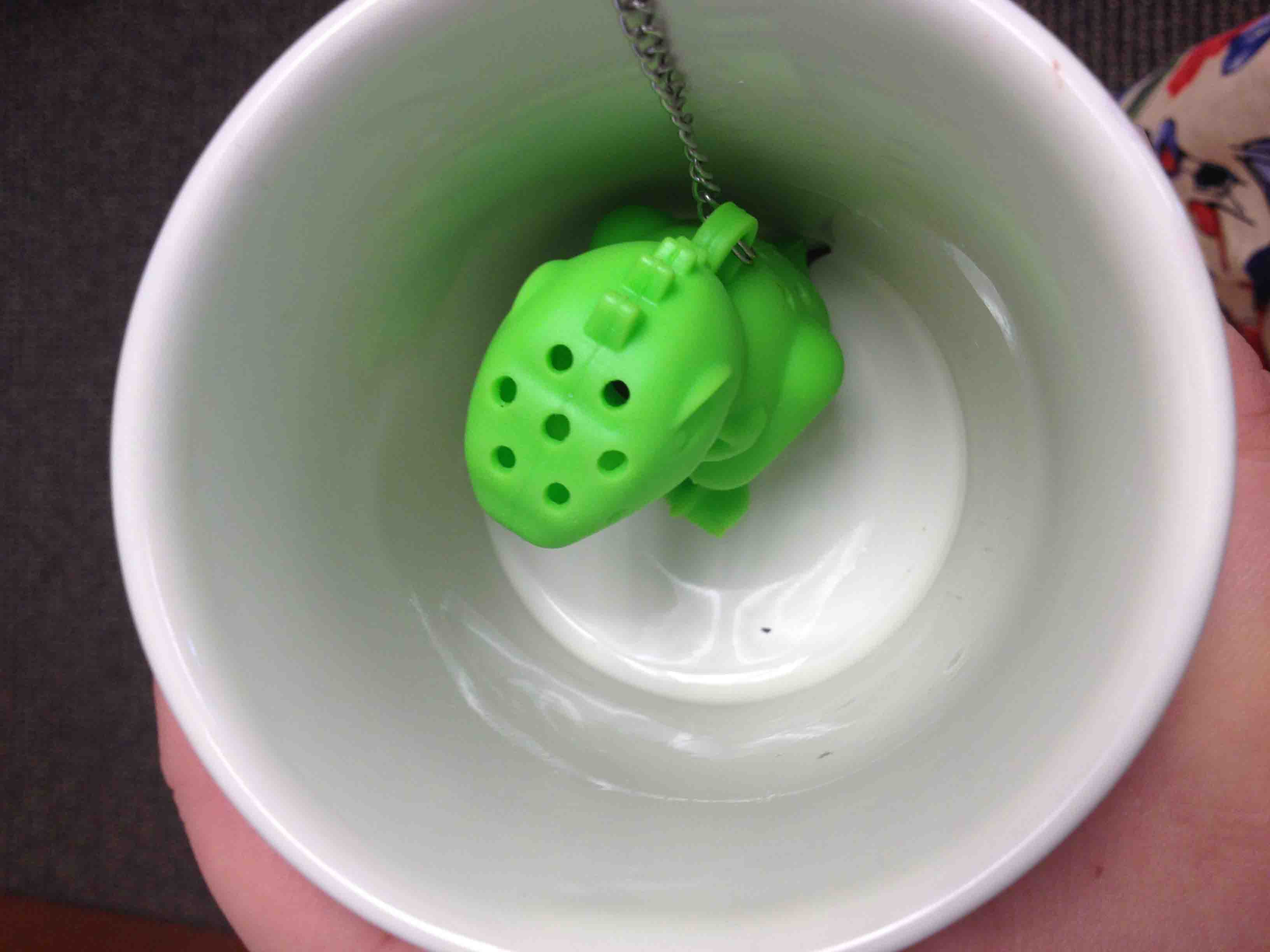
Once he’s all loaded with tea, you plop him into your mug and loop the chain around your handle so you can scoop him back out super easily.

Douse it in water, and you have delicious tea that you can chuckle at while you drink it! The Tea Rex and the mustache cup… I have the most comical beverages ever!

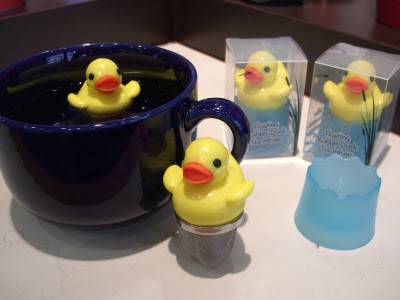
If dinosaurs aren’t your thing (which is weird, but I’ll let it slide), there is also a tea shark, a tea submarine, a tea duck, a tea robot and a tea diver! Too funny! Anyway, I’ve pretty much shared with you the most epic gift ever. Buy lots for Christmas and birthdays and such. You are welcome.

Have a great week!

Graphic Design

Maryland State L-O-V-E

I’ve been playing around in InDesign, trying to create a fun way to show my love of the State of Maryland. I’ve been at it for a while, but have been super disappointed in the designs I’ve come up with. I saw a fun DIY post from Design That Inspires that inspired me to create a fun “I heart Maryland” print either for our home or my office at work.

Here’s what they came up with to show their state love:

{View their DIY}

They painted their designs, but I’m not talented with painting at all. So, I turned my funky InDesign work-in-progress into my own version of their super cute State Love project.

I started out by snagging an outline of the state off of the interwebs. Originally, I tried filling the outline with the names of cities and counties in the state. I haven’t completely given up on this idea yet, but it’s stumping me for now.

The outline isn’t too pretty, so I used the Live Paint tool in Adobe Illustrator to change the stroke of the outline to look a bit smoother.

I popped this image into Photoshop and quickly filled the white areas with a pretty shade of blue using the Paint Can tool. Then I uploaded the .PSD file directly into InDesign.

Back in Illustrator, I created a ruby-red heart using the Pen tool. This is tricky, but I learned how to better use this tool in an Intro To Illustrator class I took recently.

I copied this heart into InDesign and dropped it right over Columbia! Added my favorite new font, Mossy, to the top… and Voila!

It’s too cute and not terribly difficult to do.

Plus, I really do love Maryland. Best state ever!

Tips

Crop-tastic

I am by no means a fantastic photographer, so the photography advice I give on my blog is few and far between (and is usually advice I got from someone with actual photography experience). I’ve been playing around with the macro feature on my camera lately, which results in really up-close-and-personal shots of the subject — in my case, things in my garden!

The details in the photos are impressive, but the compositions aren’t always great. So I started playing around with cropping and I’m loving the results I’ve gotten.

You can crop a photo in pretty much any program… Paint, Word, Photoshop, etc. You can even crop photos on WordPress and Facebook!

When you crop a photo, you are  selecting an area of a photo you would like to keep and then removing all of the rest (Yes, I know that most people know what this is… but just in case!). I’ve found that for detail shots, cropping is my friend big time.

My photos go from this:

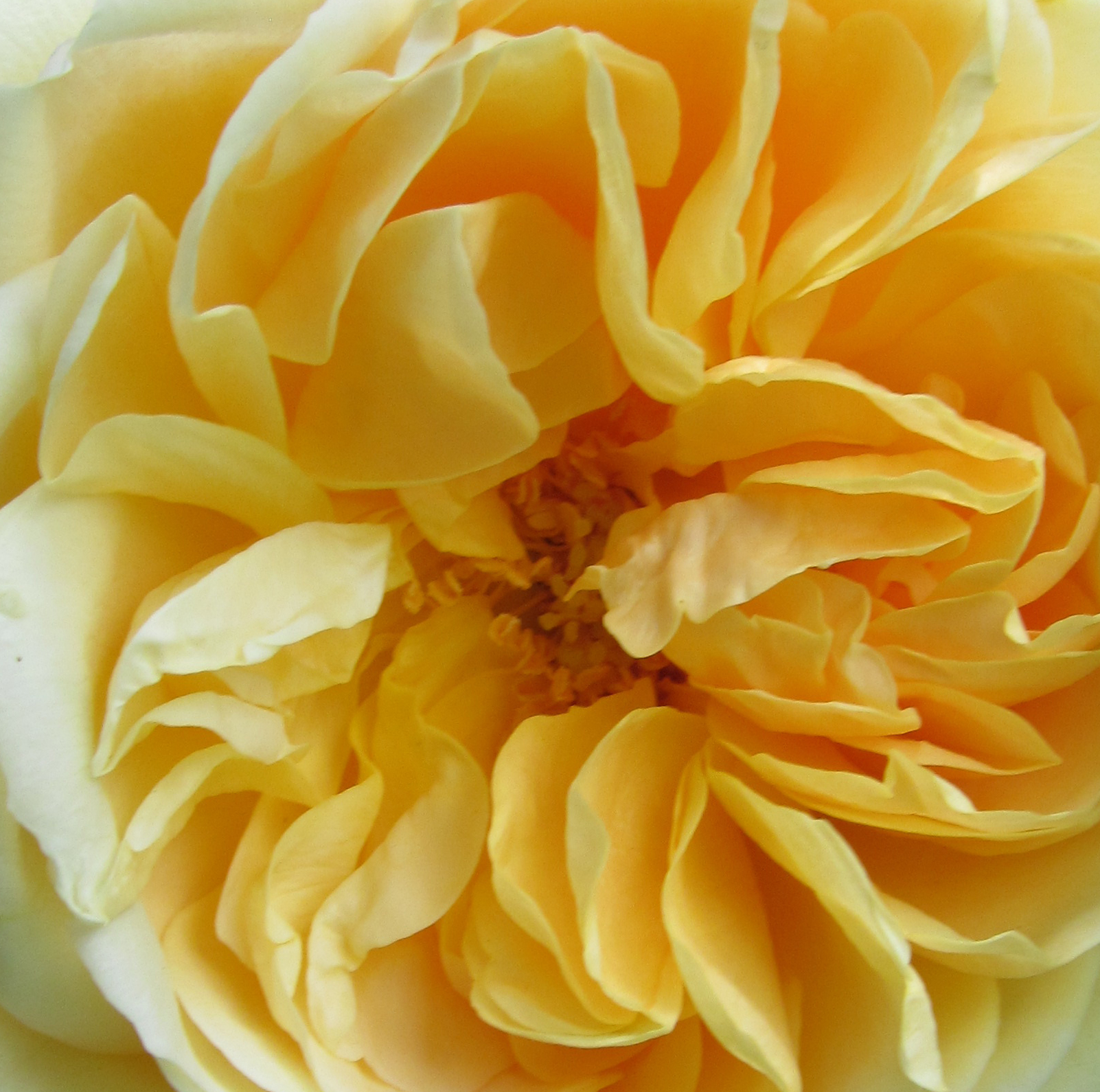
To this:

If you have a very detailed photo, cropping the photo in just the right manner can enhance the detail even more. I think it adds a lot of texture to my nature shots that would have otherwise been lost.

Wouldn’t these shots look great as a gallery of square, matted frames?

These tight shots could be taken on a really nice camera, but my point and shoot camera isn’t all that sophisticated. For now, cropping and the macro feature will do just fine!